Alliance Field Guide
Alliances & Alliance Wars
Build your alliance, defend your banner and fight for the Dead Zone.
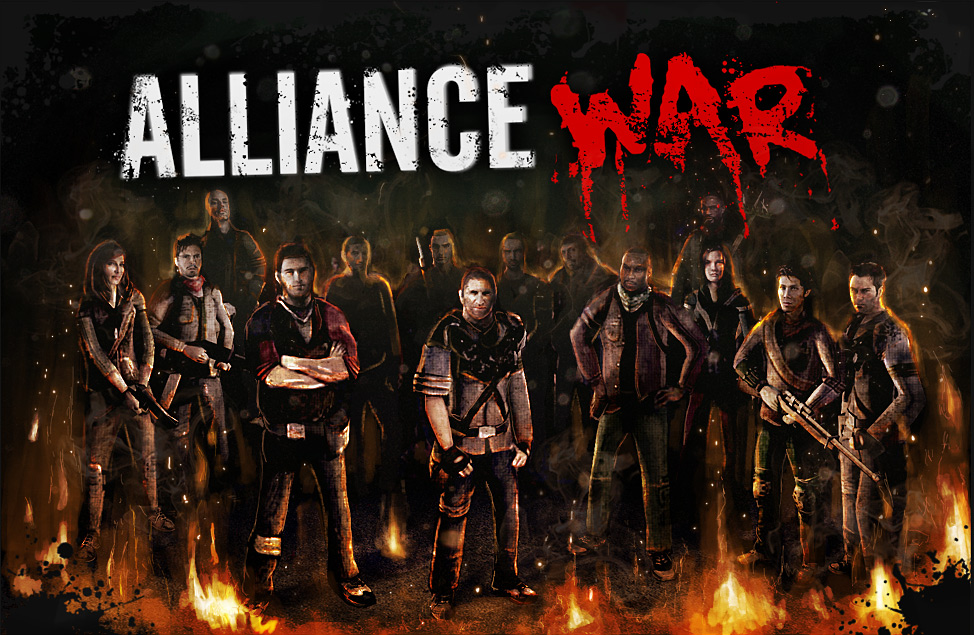
The Battle for the Dead Zone
Alliance Wars pit survivor groups against each other for fuel. Earn War Points by capturing rival banners and defending your compound.
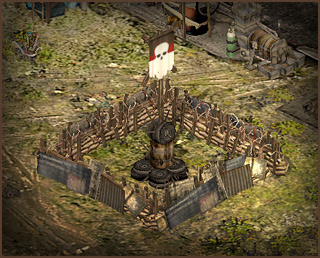

Your Alliance Banner
Your banner is a vital defensive objective. Capturing it takes time: protect it and use that window to stop attackers.
War Points
Point gains and losses depend on the opponents’ levels and alliance standings. Failed attacks and lost defenses can hurt your alliance’s score. Battles between members of the same alliance do not affect War Points.
Fuel Rewards & War Targets
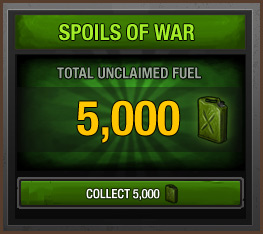
Fuel Rewards
At round end, the highest-ranking alliances receive fuel, shared among their leading contributors. Your personal War Points determine your place within your alliance.
War Targets
The War Targets tab helps participating members find opponents from alliances near their own ranking.
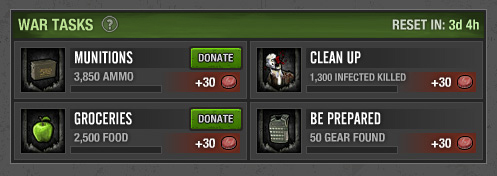
War Tasks
Eligible members complete shared tasks to earn alliance tokens. Some require resource donations; others progress through mission actions. Rewards scale with participating membership.

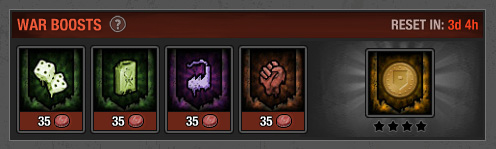
War Boosts
Spend tokens on bonuses lasting until the round ends. Buying the full set unlocks an additional bonus. Costs depend on membership and remaining round time; enlisting members cannot benefit yet.

New to Alliances?
Joining an Alliance
Accept an invitation through the in-game communications system. Joining during a round places you in enlisting status until the next round, preventing War Point contributions and task donations.
Creating an Alliance
Unallied survivors can use the Create tab in the Alliances window. Founders manage the banner, invitations, member ranks and tokens. An alliance created during a round must wait until the next round to enter the rankings.